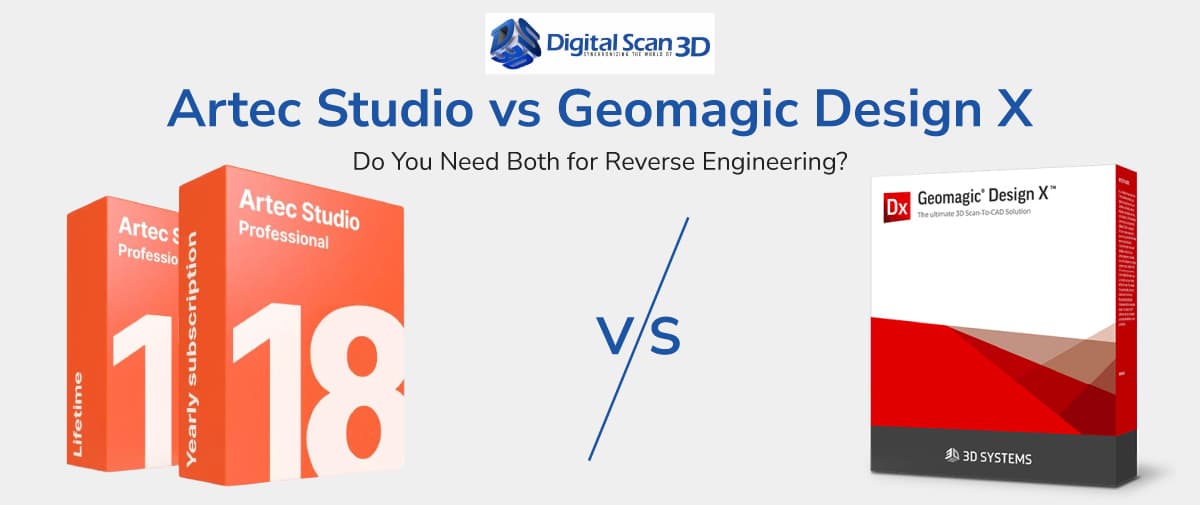
Artec Studio vs Geomagic Design X
One of the most common questions engineers and manufacturers ask when investing in professional 3D scanning equipment is whether they need both Artec Studio and Geomagic Design X. Since both software platforms are frequently used in reverse engineering workflows, it can be confusing to understand their individual roles.
The simple answer is that these applications serve different purposes and are often used together rather than as replacements for one another.
Understanding how each software fits into the scan-to-CAD process can help you build a more efficient workflow and maximize the value of your 3D scanning investment. Artec Studio vs Geomagic Design X
Understanding the Reverse Engineering Workflow
A typical reverse engineering project involves transforming a physical object into an editable CAD model.
The process generally includes:
- Capturing scan data
- Processing and cleaning the scan
- Creating a mesh model
- Converting the mesh into CAD geometry
- Modifying and validating the design
While both Artec Studio and Geomagic Design X contribute to this process, they focus on different stages of the workflow.
What Is Artec Studio?
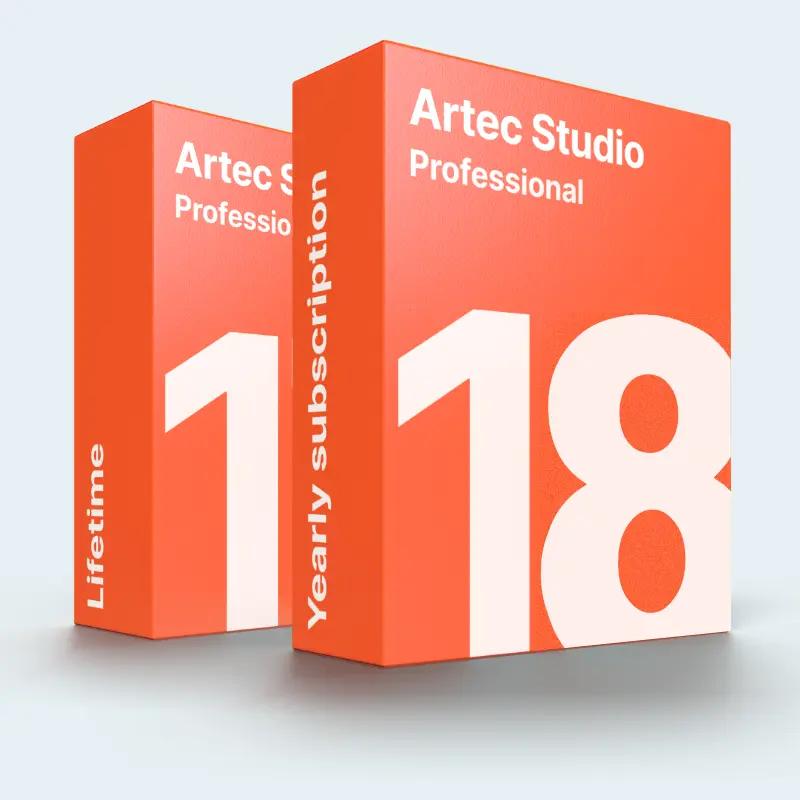
Artec Studio is the primary software used with Artec 3D scanners. Its primary purpose is to process raw scan data and create an accurate digital representation of the scanned object.
Key capabilities include:
- Scan alignment
- Noise removal
- Mesh fusion
- Hole filling
- Texture processing
- Scan optimization
Think of Artec Studio as the bridge between the scanner and the engineering workflow.
Without proper scan processing, even the most accurate scanner data can be difficult to use effectively.
What Is Geomagic Design X?
Geomagic Design X is a specialized reverse engineering platform designed to convert mesh data into feature-based CAD models.
Unlike mesh editing software, Design X focuses on engineering workflows by allowing users to:
- Extract geometric features
- Create parametric CAD models
- Reconstruct design intent
- Generate editable CAD history trees
- Export models to popular CAD systems
The software helps engineers transform scan data into manufacturing-ready CAD files.
The Biggest Difference
The easiest way to understand the distinction is:
Artec Studio creates the mesh.
Geomagic Design X creates the CAD model.
Artec Studio processes raw scan data into a clean digital mesh.
Geomagic Design X converts that mesh into an editable engineering model.
Because they perform different tasks, many organizations use both solutions together.
When Artec Studio Alone Is Enough
There are many applications where CAD reconstruction is unnecessary.
Examples include:
- Visual inspections
- Digital archiving
- Heritage preservation
- Product visualization
- Virtual reality content
- Marketing assets
In these situations, a high-quality mesh generated by Artec Studio may be all that is required.
When You Need Geomagic Design X
Design X becomes essential when the final deliverable is an editable CAD model.
Common use cases include:
Reverse Engineering
Legacy parts often lack engineering drawings or CAD files.
Design X allows engineers to recreate these parts digitally.
Product Development
Companies can scan existing products and use Design X to create models for redesign and improvement.
Manufacturing
Many manufacturing workflows require CAD data for CNC machining, tooling, or production planning.
Quality Improvement
Design modifications are much easier when working with feature-based CAD models rather than static meshes.
Why Many Professionals Use Both
A typical workflow looks like this:
Artec Scanner → Artec Studio → Geomagic Design X → CAD Software
First, scan data is captured and processed in Artec Studio.
Next, the clean mesh is imported into Geomagic Design X for CAD reconstruction.
Finally, the CAD model is exported into engineering platforms for further development.
This workflow combines the strengths of both software solutions and provides the most flexibility for engineering teams.
Which Software Should You Choose?
Choose Artec Studio if your primary goal is:
- Processing scan data
- Creating accurate meshes
- Digital documentation
- Visualization projects
Choose Geomagic Design X if your primary goal is:
- Reverse engineering
- CAD reconstruction
- Product redesign
- Manufacturing workflows
Choose both if your projects regularly require converting physical objects into editable CAD models.
Final Thoughts
Artec Studio and Geomagic Design X are not direct competitors. Instead, they are complementary tools that address different stages of the reverse engineering process.
Artec Studio excels at transforming raw scan data into clean, accurate meshes, while Geomagic Design X specializes in converting those meshes into parametric CAD models ready for engineering and manufacturing. For organizations involved in reverse engineering, product development, and manufacturing, combining both solutions often delivers the most efficient and accurate scan-to-CAD workflow.